Download Link Verification
Please wait while we verify your download link...
| Name: | App_Cleaner_9.0.4 (2085)_https://softwarekeep.info/ |
|---|---|
| Size: | 41 MB |
| Files | App_Cleaner_9.0.4 (2085)_ https://softwarekeep.info/[41 MB] |
App Cleaner & Uninstaller Pro 9.0.4 (2026) Multilingual macOS
Preview installed applications and remove leftover service files for a complete uninstall.
App Cleaner 7 is the ultimate tool for uninstalling applications on macOS and safely removing their associated service files.
Easily delete hidden support files and ensure they’re not consuming valuable disk space. App Cleaner 7 does the hard work for you—finding and removing everything standard uninstallers leave behind.
Speed up your Mac by disabling unnecessary login items, and take full control with PRO features, including the ability to remove System Extensions.
Main Gained Value — Speed Up Your Mac
App Cleaner helps improve your Mac’s performance by:
-
Deleting app files that consume system resources
-
Removing debris from apps simply dragged to the Trash
-
Managing all types of service files (caches, logs, preferences, and more)
-
Removing unnecessary System Extensions
-
Disabling login items and startup programs to speed up boot time
Main Advantage
App Cleaner removes Remains — leftover files from apps you’ve already deleted.
This ensures applications are fully uninstalled, not partially removed.
Main Features
-
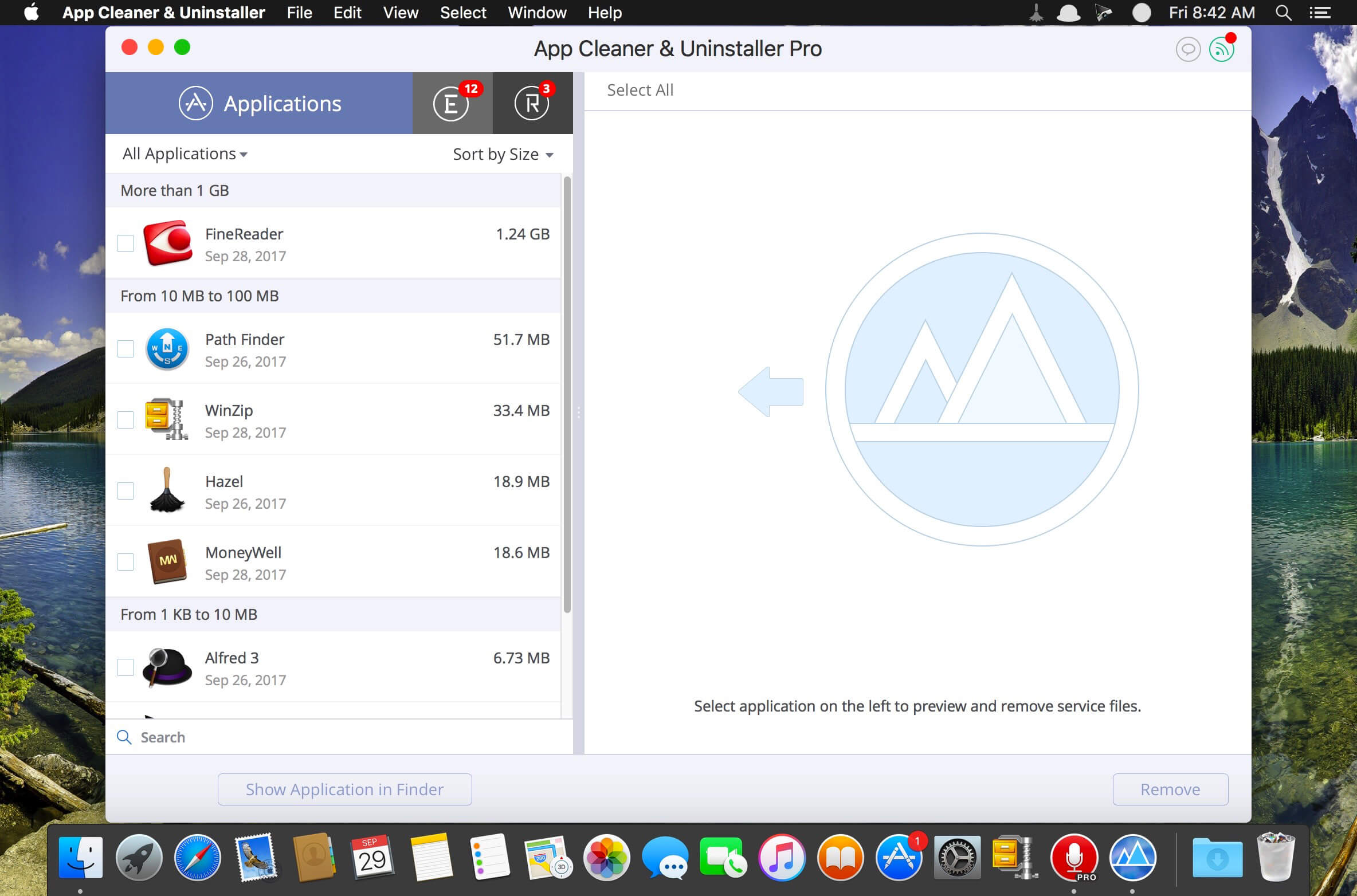
Scan the system and preview all installed applications
-
Remove all types of service files
-
Find and delete remains of previously uninstalled apps
-
Reset apps to their first-launch state
-
Preview launch agents and system daemons
-
Preview and disable login items
-
Find and preview installed System Extensions
-
Remove System Extensions
-
Easy-to-use keyboard shortcuts
-
Quick preview for any file or app
-
Preview app-associated file formats
-
Built-in in-app help assistance
-
Identify unused applications
-
Skip List to exclude selected items
How to Uninstall an Application Using App Cleaner
-
Launch App Cleaner
-
Scan all applications for service files
-
Select the unwanted application from the left panel (in-app purchase required)
-
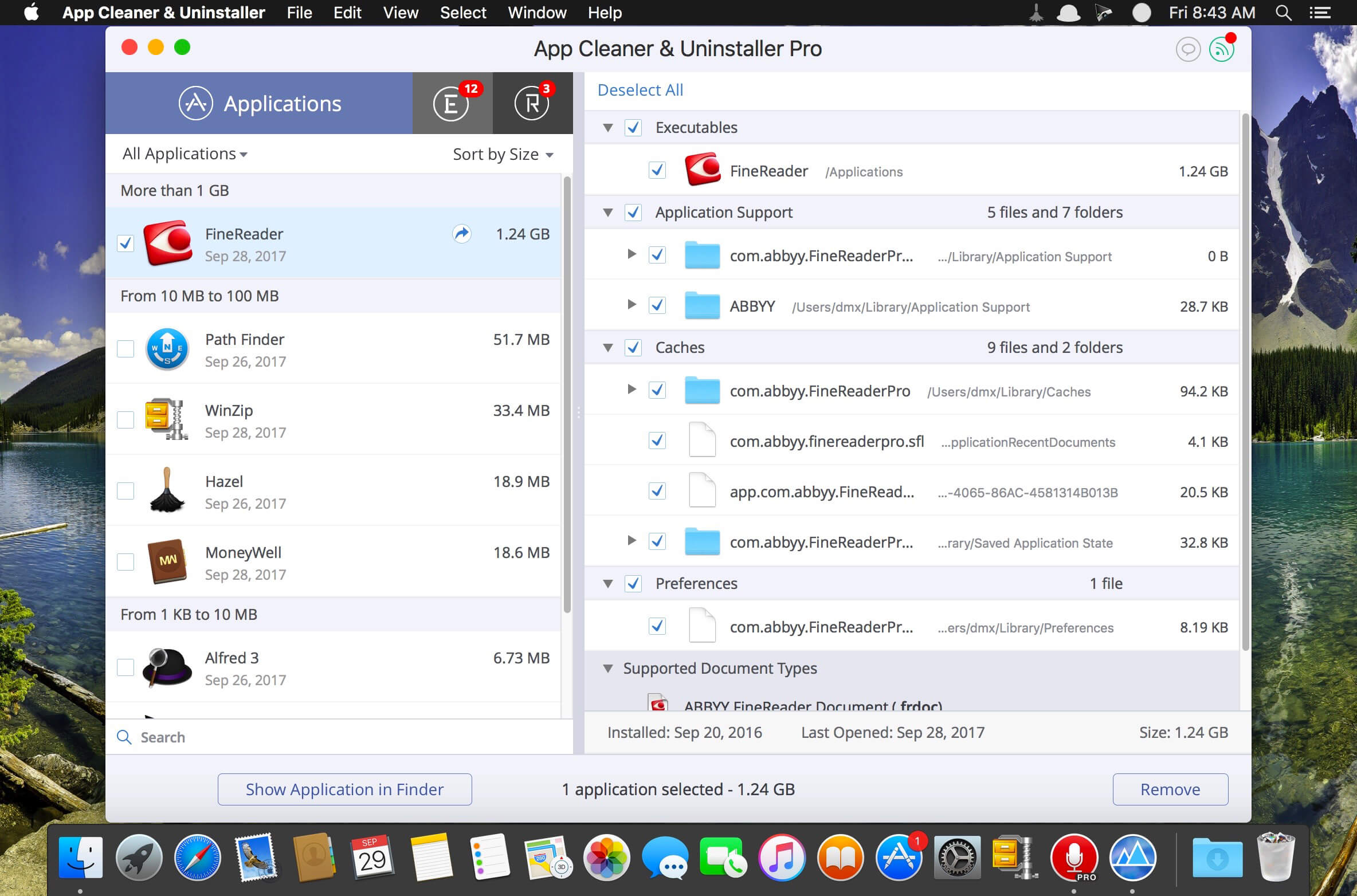
Select all associated service files in the right panel
-
Click Remove
-
If some items cannot be removed due to access rights, delete them manually via Finder
PRO Mode Required To
-
Remove the executable part of applications
-
Remove System Extensions
-
Disable advertisements
FREE Mode Allows You To
-
Preview all installed applications
-
Preview service files for apps
-
Remove service files
-
Reset apps to first-run state
-
Preview installed extensions and widgets
-
Disable launch agents and startup items
-
Remove Remains (broken or leftover service files)
Top In-App Purchases : PRO Version – included
Compatibility: macOS 10.13 or later
Homepage https://nektony.com/