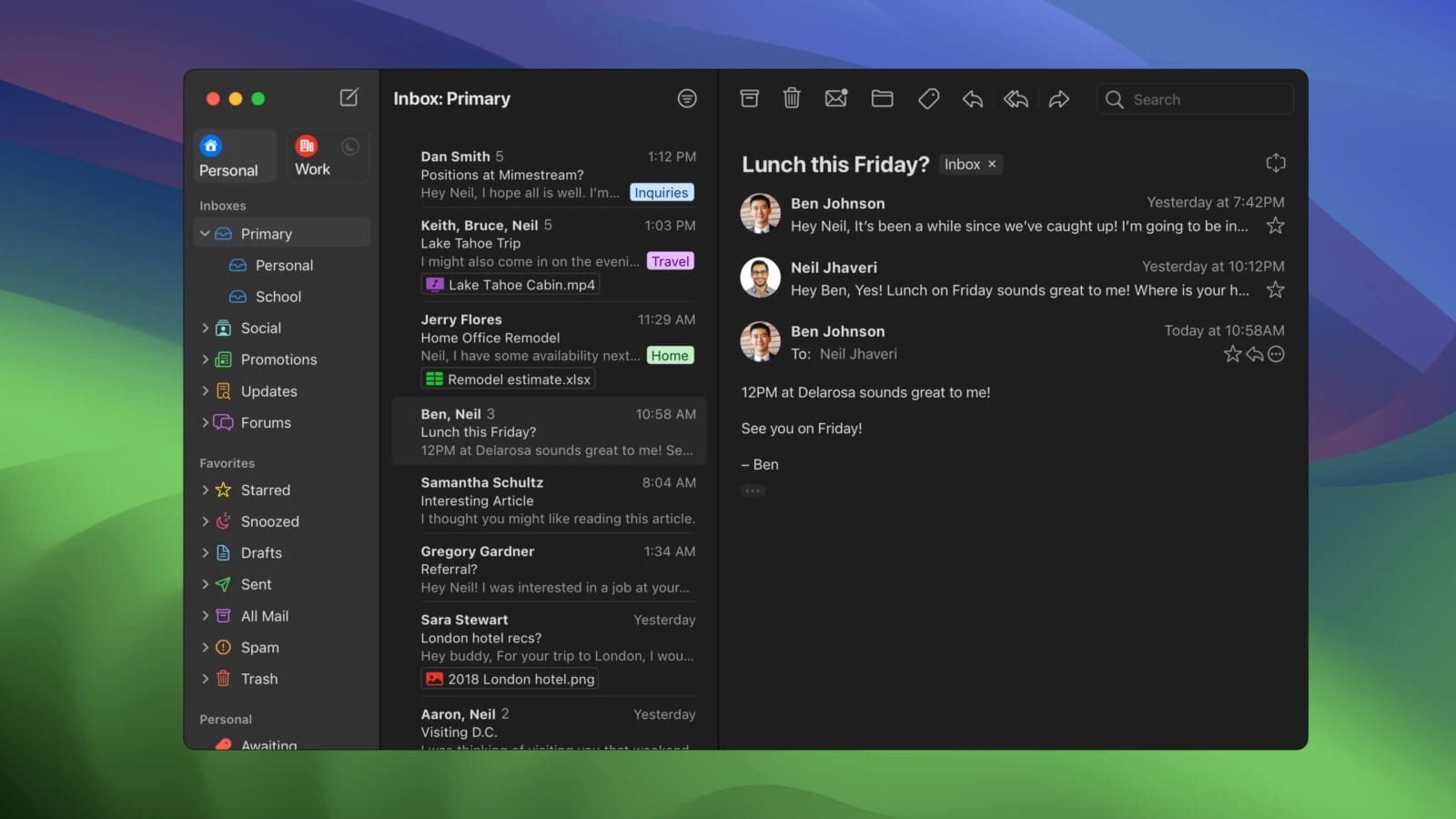
Email clients with Gmail support are common, but most rely on the IMAP protocol to access messages, which limits their ability to fully support Gmail-specific features such as inbox categories, labels, and synchronized signatures.
Mimestream takes a different approach by connecting directly through the Gmail API. This allows it to deliver most of the native Gmail experience within a dedicated desktop application, providing better support for Gmail features and more seamless message management.
Built natively in Swift, Mimestream integrates smoothly with macOS and delivers a faster, more responsive experience compared to many cross-platform or Electron-based email clients, making it an excellent choice for users who rely heavily on Gmail.
Key Features — Mimestream:
Native Gmail integration using the Gmail API, not IMAP
Support for Gmail inbox categories, labels, aliases, and signatures
Fast and efficient native macOS app built in Swift
Smooth macOS integration with system features and behaviors
Extensive keyboard shortcut support for faster email management
Automatic syncing of Gmail settings and mailbox structure
Clean, modern interface optimized for desktop Gmail users
Better performance and lower resource usage than Electron-based clients
Designed specifically for Gmail users on macOS
Most Gmail Features on Your Desktop:
Managing a Gmail account through third-party email clients often means losing key features, especially inbox categorization, leaving important messages mixed with promotions and social media notifications.
Mimestream solves this by bringing many of Gmail’s native capabilities directly to your desktop. Inbox categories, labels, aliases, and synchronized signatures are all supported, allowing you to manage your mailbox just as you would in Gmail itself. While certain features — such as email snoozing — are not currently available through the Gmail API, this limitation is minor compared to the overall functionality offered.